tmux, from your phone
A small web client for tmux. It lists the sessions running on your machine and lets you open any of them in a browser. I wrote it to check on Claude Code from my phone without walking back to the laptop.
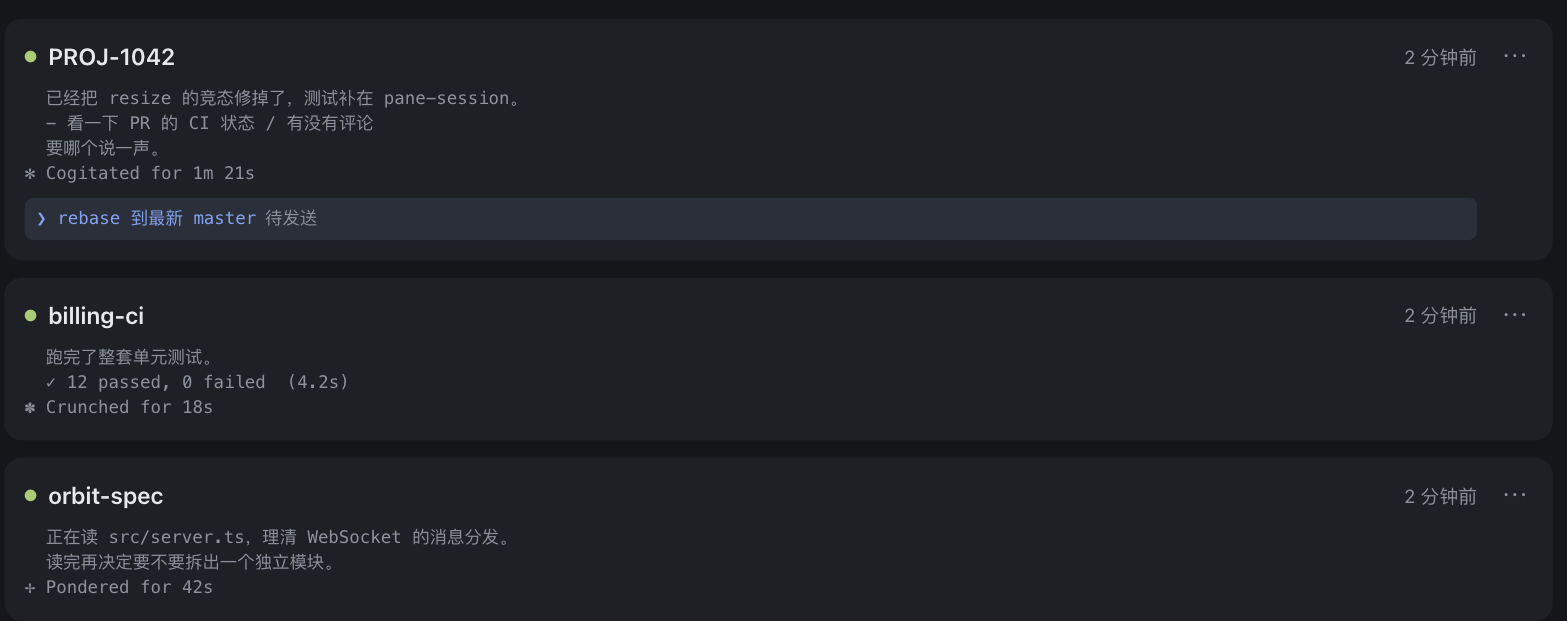
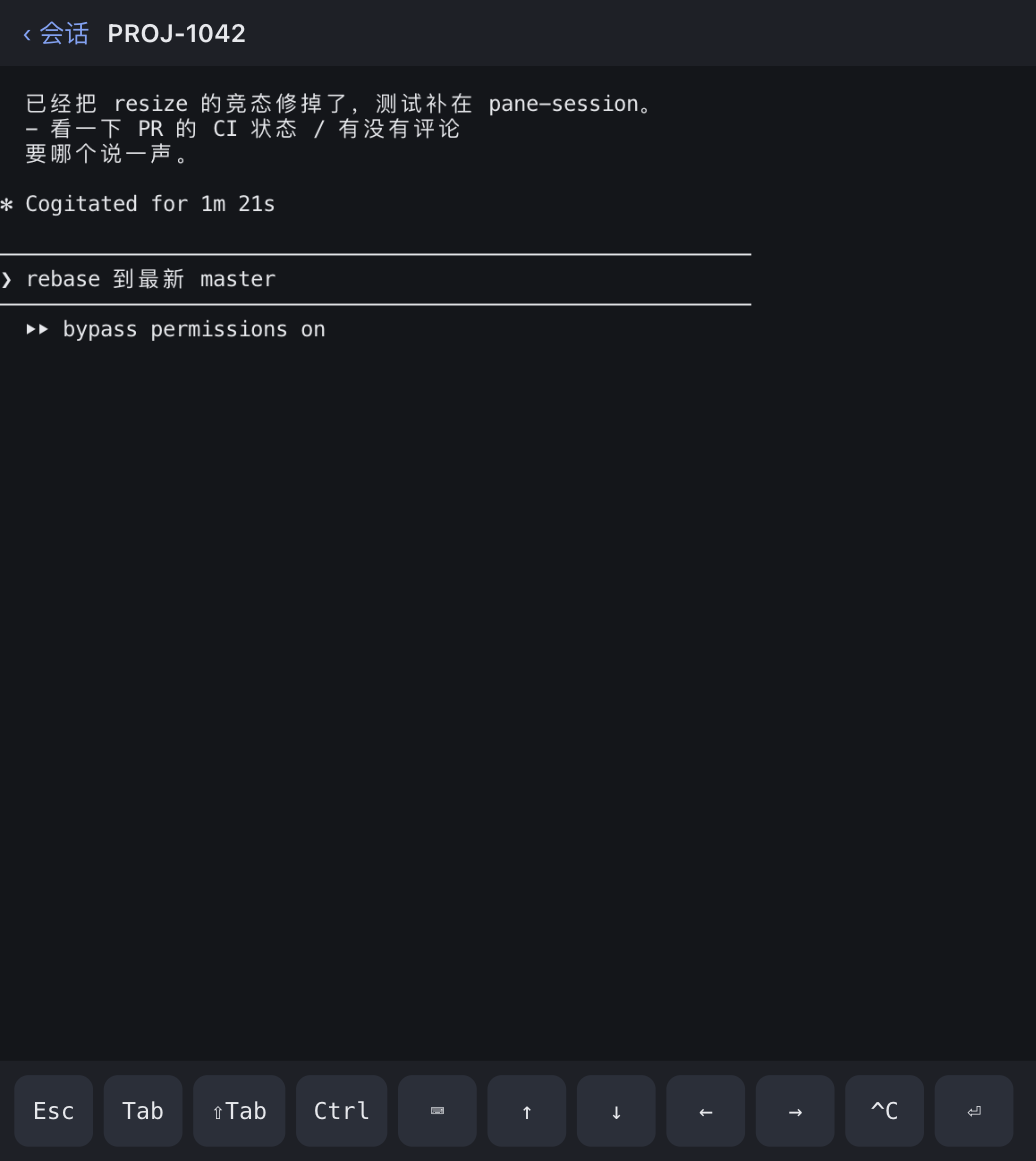
When I'm working with Claude in a session I often want to show it a screenshot. So there's an image button in that bottom bar — pick a photo or paste one, and its saved path drops into the prompt, which is how the tools running here read an image. You can also select terminal text to copy it, on the phone or the desktop.
Typing a prompt on a phone is the slow part, so you can dictate one instead. Tap the microphone and a panel takes the keyboard's place; what you say piles up in an editable draft — say a sentence, fix the name it misheard, say the next — and one tap sends the lot. It needs a recognition key of your own, and stays hidden until you set one.
The other direction too: when Claude makes something to look at — a chart, a diagram,
an HTML report — drop it in ~/.tmux-next/gallery and it shows up under
Artifacts, so you can see it on your phone without moving files to
another machine. Images render in a grid; HTML and SVG render in place, sandboxed.
Smaller things add up: rename a session in place, size the text by hand or pinch to zoom, and the list keeps the session you were just in on top. Scrolling a program's history works the moment you reconnect.
It also tracks the Jira ticket a session is for, not just the session itself. One ticket can have several sessions; its PRs, checks, and status show up on the ticket's own card, and that status moves forward on its own as PRs open, checks go green, and branches merge. See what's new for how that grew out of typing ticket keys into session names.
Install
You need tmux 3.2 or newer and Bun.
$ bunx tmux-next
It serves on http://127.0.0.1:7682 and lists the tmux sessions on the machine.